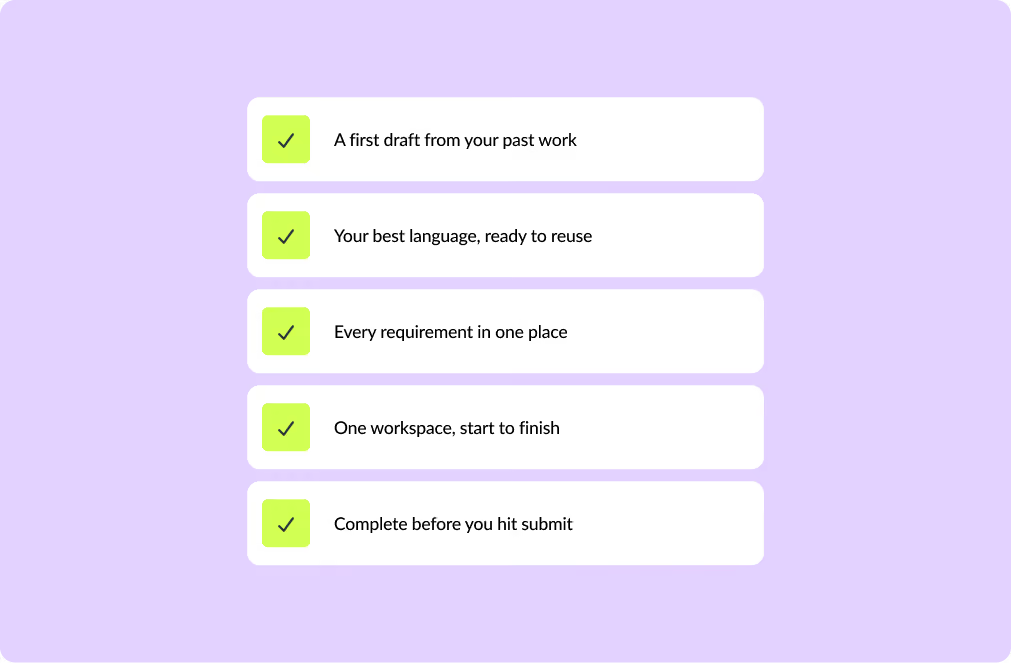
Instrumentl writes strong drafts in your voice: pulling together the application, the funder’s preferences, and your best past work.
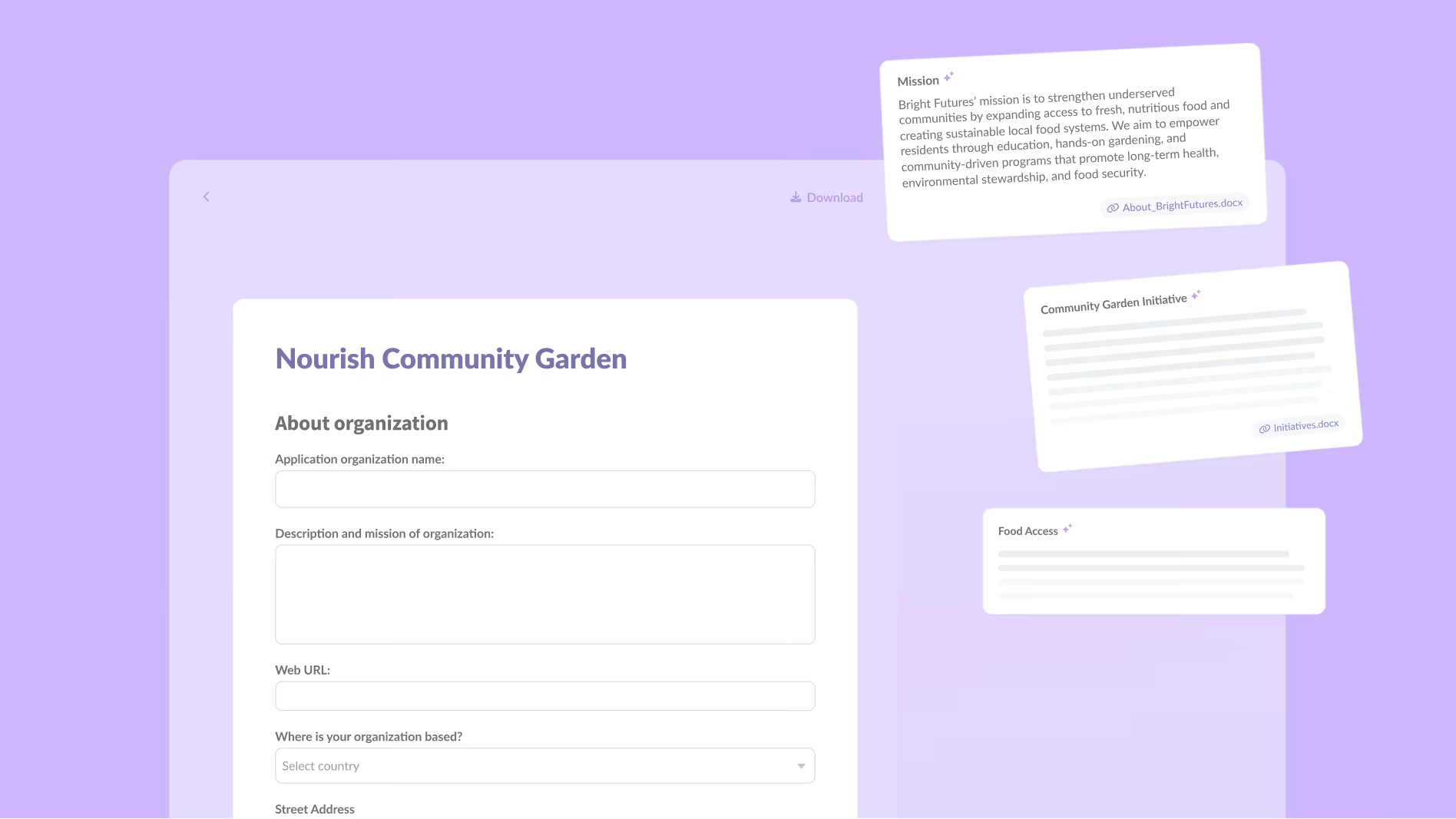

AI-generated answer snippets pull from your past proposals and org documents, so you start every question with your strongest content.
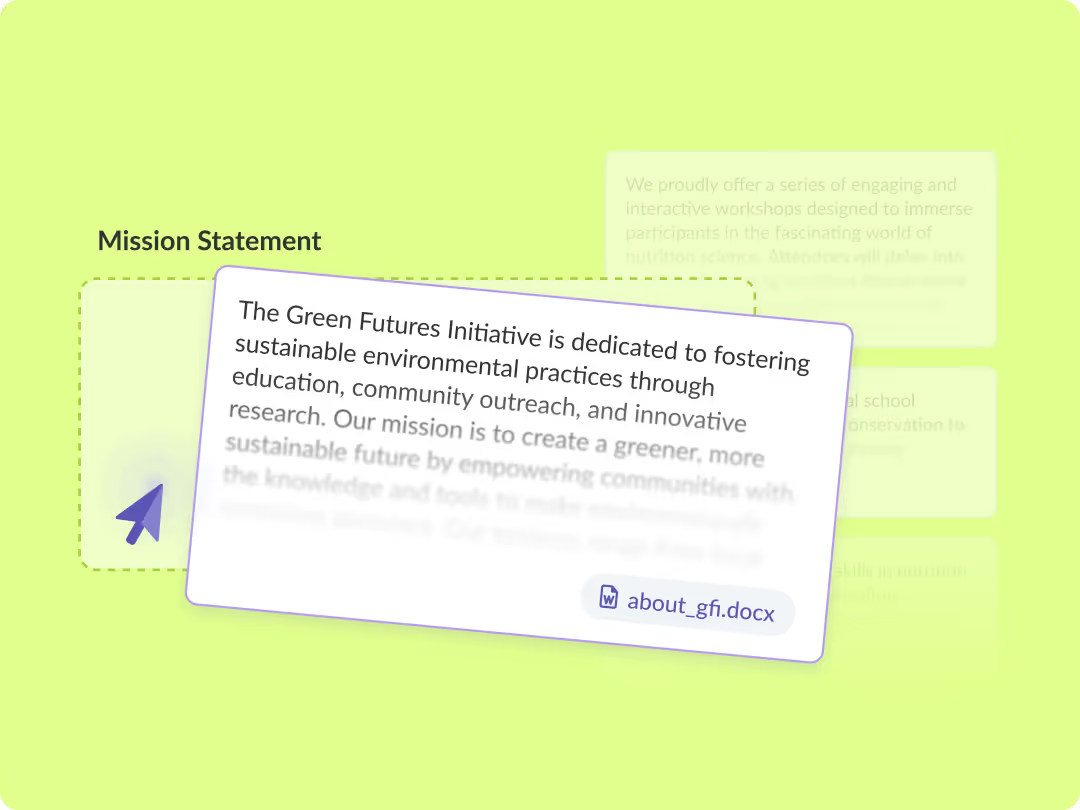
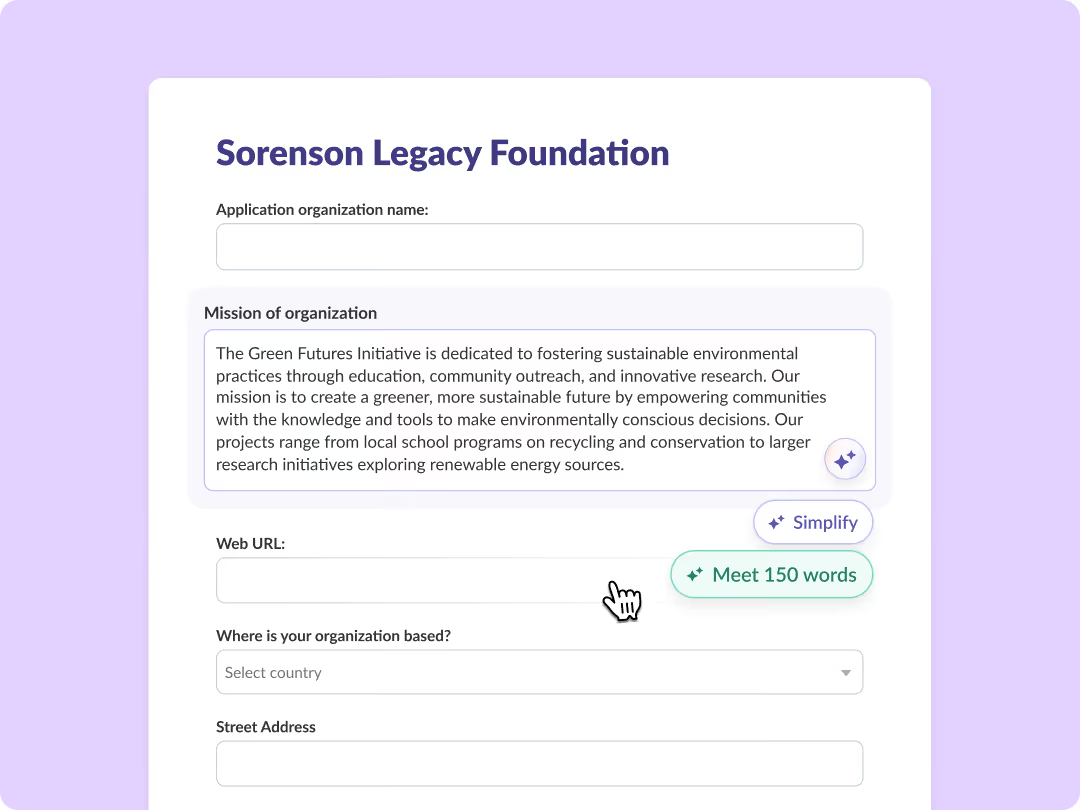
Complete applications directly in Instrumentl, with relevant snippets and funder context right alongside every question.
Organize past proposals, templates, and org documents all in one place. When a colleague leaves, their best language stays.
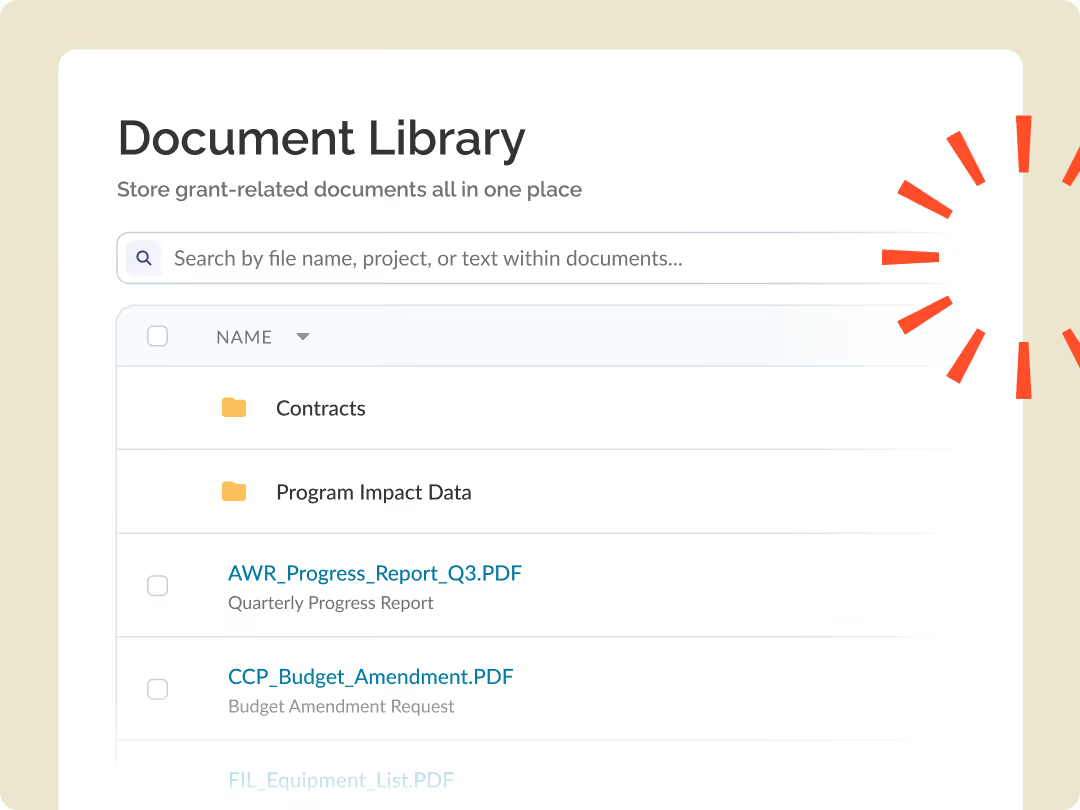
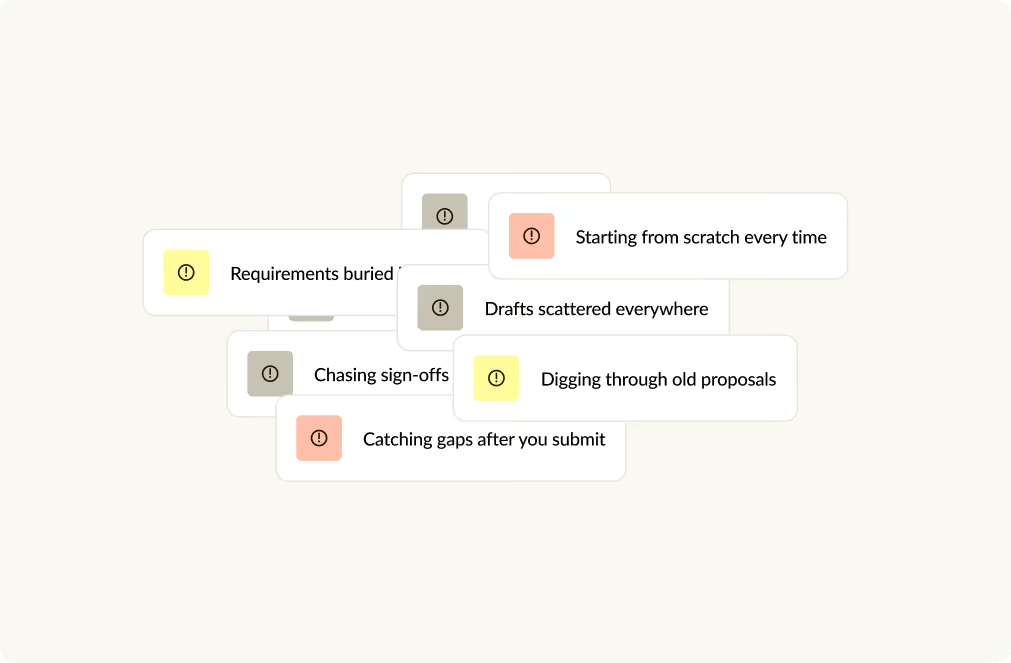
Answers scattered across tabs, old proposals, shared drives, and reminder emails -pieced together in funder portals, one ctrl+F at a time
Get suggested answers tailored to the application, tweaked based on your past drafts and our database of funder insights. You write faster, and every answer stays in your voice.

“I had a really good draft in five minutes. That's not an exaggeration. I was clocking it.”

Benita Brisco
Development Manager,
Catalyst Kitchens
Read their story
“I can remember when I did this at the beginning of my career, printing out the grantee lists from the 990s and going through with a highlighter. Out of 100 grants, there were only two that were viable. Now it’s all in Instrumentl…Instrumentl has been a game-changer”

Charlisa Garg
Director of Foundation Relations, NYU Langone Health
Read their story

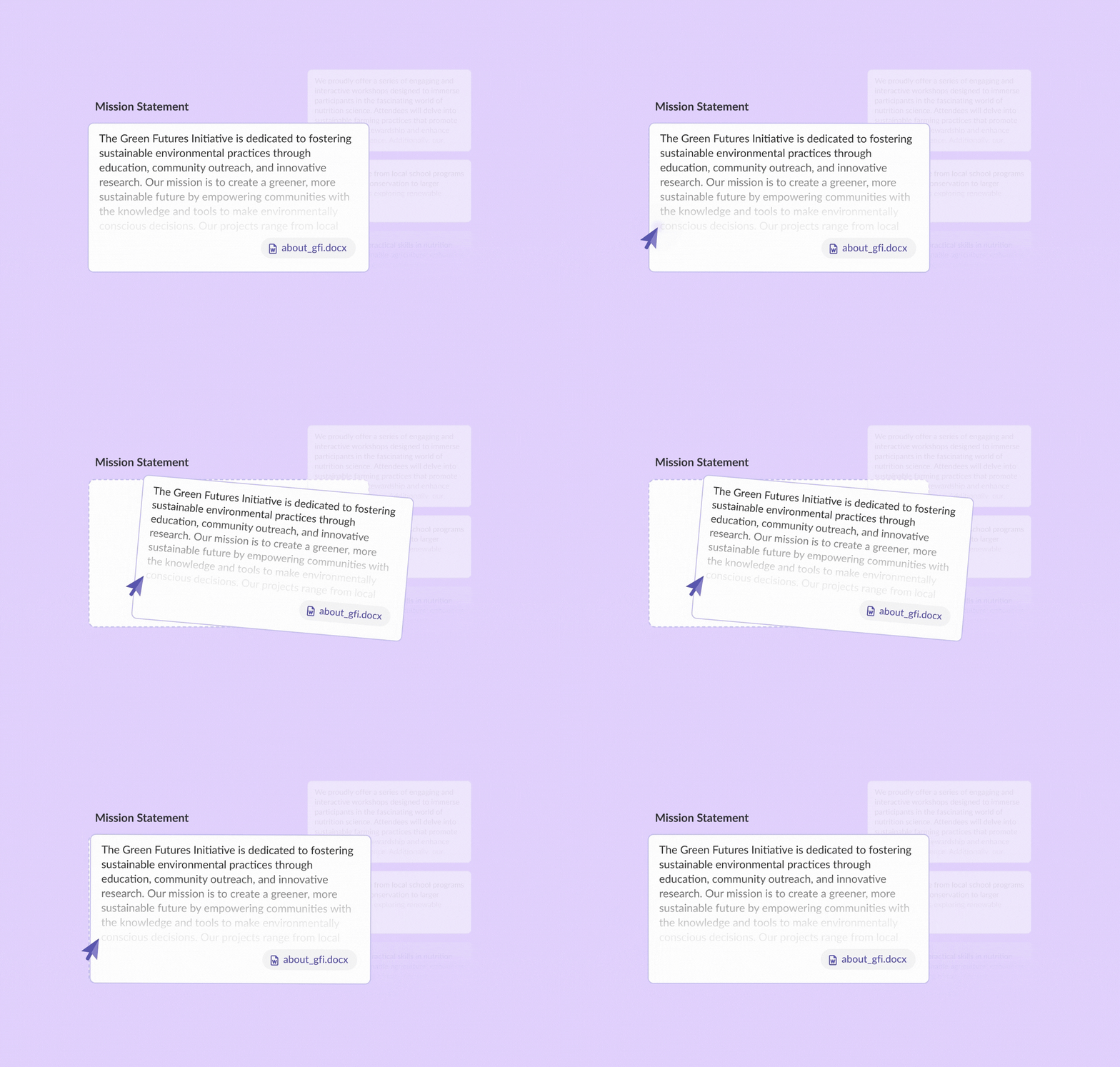
Upload past proposals, program descriptions, and outcome reports. Apply surfaces the right language for each question, with source citations so you know exactly where it came from.
Store, organize, and search every grant document in one place, so nothing gets lost when requirements (or teammates) change.
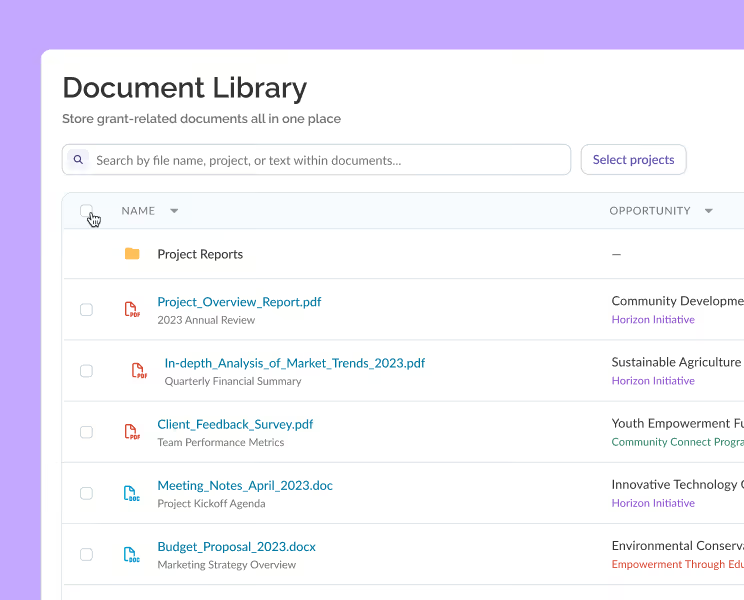
Get AI-drafted answers pulled from your own files, with citations back to the source— so you reuse proven language instead of starting from scratch.

Apply Advisor uses your documents and funder giving history to give you guidance grounded in real data, so you’re not switching tabs to make a call mid-application.
An AI co-pilot that aligns your answers to the funder's priorities, pulls quotes from your past proposals, and revises on request.

See a funder's typical grant size and giving patterns right beside your draft, so you can shape your answers to match what they actually fund.
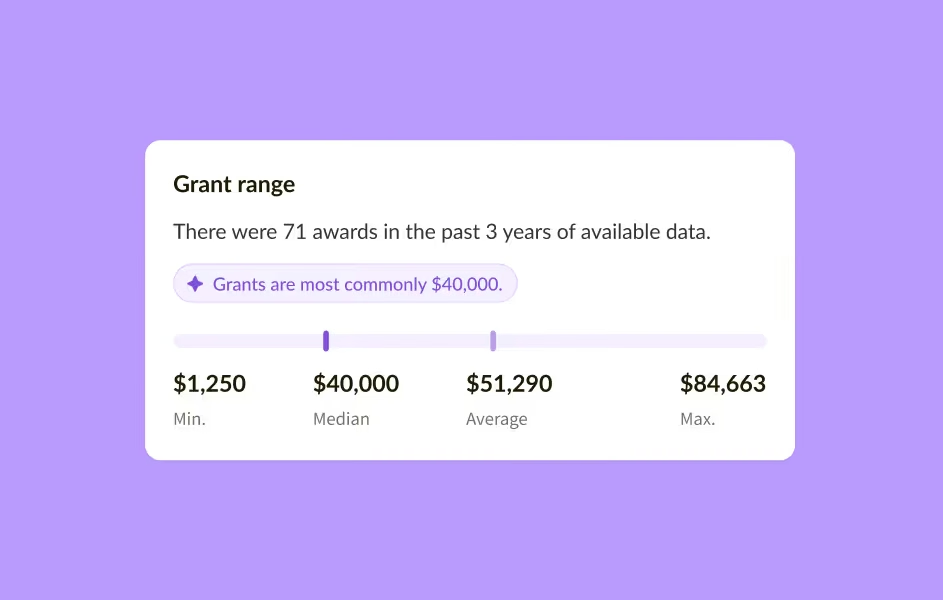
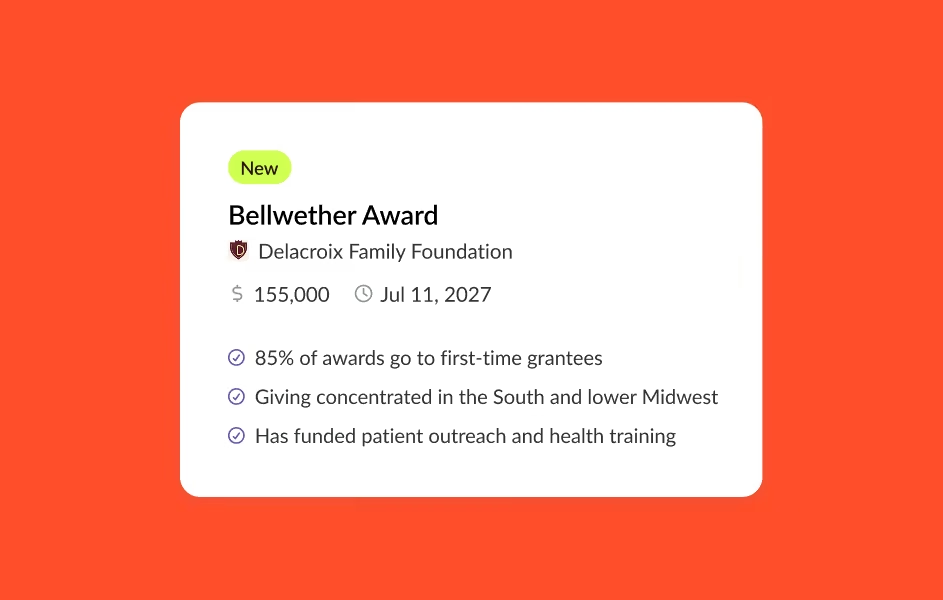
Know who a funder backs, where they give, and what they've funded before you write a word.
Complete applications directly in Instrumentl. No reformatting, no portal-hunting. Request one that isn't there and our team will work to track it down.
Funder application forms rebuilt inside Instrumentl, so you draft every answer in one place instead of wrestling with portals and PDFs.

Click any question and answer snippets pulled from your documents appear right beside it, ready to drop in.
Your data is protected by the same standards your funders expect.
No IT project. No implementation timeline. Start matching in within minutes.
Collaborators can view and contribute without creating an account.
Nothing you save or track is shared across accounts or used to train AI models.
Try it
No, and that's intentional. Apply generates first-draft answers based on your organization's documents and past proposals. You edit, refine, and make the judgment calls. The goal is to get you to a strong working draft faster, not to replace your expertise.
The more specific, the better. Past successful proposals tend to produce the most accurate snippets. Program descriptions, outcome reports, logic models, and organizational fact sheets also work well. The more your library reflects your actual voice and programs, the better the output.
Apply matches each application question to relevant content from your uploaded documents using AI. When you click into a form field, it surfaces the most relevant answers from your library alongside the question, with source citations so you know exactly where the language came from.
The snippets are pulled from your own documents so it’s your language and framing. Apply doesn't generate content from scratch or pull from a generic model.
Request it. Our content team will build the form and add it to the platform. Most requests are fulfilled within a few business days. Once a form is built, it's available to all Apply users, not just the requester.
Yes. Each client organization has its own document library, so content stays separate. You can work on proposals for different clients without their language or documents crossing over.
Yes. Nothing you upload is shared across accounts or used to train AI models. Your proposals, documents, and institutional knowledge are private to your organization.