

AI isn’t the future of grant writing anymore; it’s the present. Fundraising teams are turning to AI tools to save time and increase their overall grant capacity. The ones who resist it risk being left behind.
But with new platforms appearing constantly—each with varying promises for what they can actually do—you might feel overwhelmed trying to decide which could meet your specific needs (and budget).
That’s where we come in.
We’ve created this guide to break down the best AI for grant writing. Outlined below you’ll find summarized explanations of the top AI grant writing tools available, including their key features, pricing, and potential drawbacks.
Nonprofits are unique and so are their needs, meaning there’s no one-size-fits all solution. But by the end of this article, you should feel more confident choosing the right AI tool to support stronger, more efficient grant writing for your team.
Types of AI Grant Writing Tools
When we talk about AI grant writing tools, we’re really talking about a few different solutions, each supporting different parts of the proposal development workflow. Some platforms combine multiple functions, while others focus on just one.
Here’s a quick overview:
1. AI Writing Tools
These tools help draft, edit, and refine content, such as grant proposal language. They aren’t all designed exclusively for grants, but they can be adapted for this use easily.
Example: You paste an RFP section into an AI writing tool and ask it to:
- Draft a needs statement based on your notes
- Tighten up a methodology section for clarity
- Reformat an answer to match a funder’s word count
- Rewrite jargon-heavy text so it’s clearer for reviewers
2. AI-Supported Grant Research Tools
These platforms use AI to surface relevant opportunities, analyze funder data, and/or interpret RFP requirements.
Example: You enter your mission, budget range, and geographic location into a tool. The AI:
- Identifies grant opportunities that align with your criteria
- Summarizes long RFPs so you can quickly assess fit
- Flags key requirements or deal-breakers early (so you don’t waste time)
3. AI-Enabled Project Management Tools:
These help teams stay organized by tracking deadlines, assigning sections, and managing versions.
Example: You upload your application outline. The system:
- Breaks the proposal into sections
- Assigns owners and due dates
- Sends reminders as deadlines approach
- Tracks the revision history so nothing gets lost
For a deeper dive into AI for grant writing, this webinar led by Meredith Noble is a helpful resource: AI for Grant Pros: What Every Grant Writer Needs to Know.
Why Use AI for Grant Writing?
Grant writing is one of the most time-sensitive responsibilities many nonprofits face. Drafting from scratch, interpreting dense RFPs, refining language, and ensuring everything aligns with funder expectations can consume far more hours than teams realistically have.
And as Instrumentl’s recent Federal Funding Changes Report shows, grant funding has become increasingly competitive, with many nonprofits submitting more applications than in previous years to compensate for delayed announcements and fewer new federal opportunities.
AI helps relieve that pressure by supporting the earliest, most labor-heavy stages of writing. At a practical level, AI tools help grant writers:
- Save time drafting proposals, especially long or repetitive sections
- Reduce writer’s block by providing structured starting points
- Strengthen formatting and editing through clearer, more consistent language
- Brainstorm narratives based on RFPs, helping teams align more quickly with funder priorities
For example, William and Mary University doubled their monthly submission rate from 30 to 70 applications with the help of AI grant writing.
The time savings can be significant, but so can the bump in success rates. According to a recent study by the Technology Association of Grantmakers, organizations that use AI-assisted grant writing tools have seen a 30% increase in their success rates compared to those relying on traditional methods.
These efficiencies add up. Rather than spending hours wrestling with early drafts, writers can redirect their energy to higher-level tasks, such as strategy development, data integration, impact storytelling, and reviewing proposals against scoring criteria.
Key Features to Look for in AI Grant Writing Tools
The strongest AI grant writing tools tend to share a few core features. This section focuses on the specific features that influence how well a tool can support your workflow.
AI-Powered Writing Assistance
Look for tools that can:
- Generate first drafts (especially for repetitive sections)
- Interpret RFP prompts to create more accurate responses
- Edit for clarity, tone, grammar, or reading level
- Help rework language to strengthen competitiveness
Grant Research Capabilities
Top tools may include:
- AI-assisted funder matching
- Automatic scanning for new opportunities
- Summaries of eligibility, requirements and priorities
- Funder insights or historical giving data
Project Workflow & Management
Features that help teams stay coordinated include:
- Deadline tracking
- Centralized document management
- Automated reminders and progress dashboards
Helpful Extras
Many platforms also offer additional capabilities that make the writing process smoother, such as:
- Collaboration support (commenting, shared editing)
- Version tracking
- Feedback mechanisms
- Data analysis or budgeting guidance
- Compliance checks
When choosing a tool, focus on the features that support your team’s biggest pain points—whether that’s writing, research, coordination or all of the above.
Top AI Grant Writing Tools
There are more AI grant writing tools on the market than ever before, which is why we’ve put together a practical breakdown of the most widely-used ones (starting with our top recommendation, Instrumentl Apply, the only AI tool built directly into an end-to-end grant platform).
Important Note: Some of the tools below are explicitly designed for grants, while others are general-purpose AI writing tools that can help with drafting or editing.
Instrumentl Apply (Top Recommendation)
Best for: All-in-one grant prospecting, writing, and award management
Free plan: 14-day free trial (no credit card required!)
Price: Starting around ~$299/month
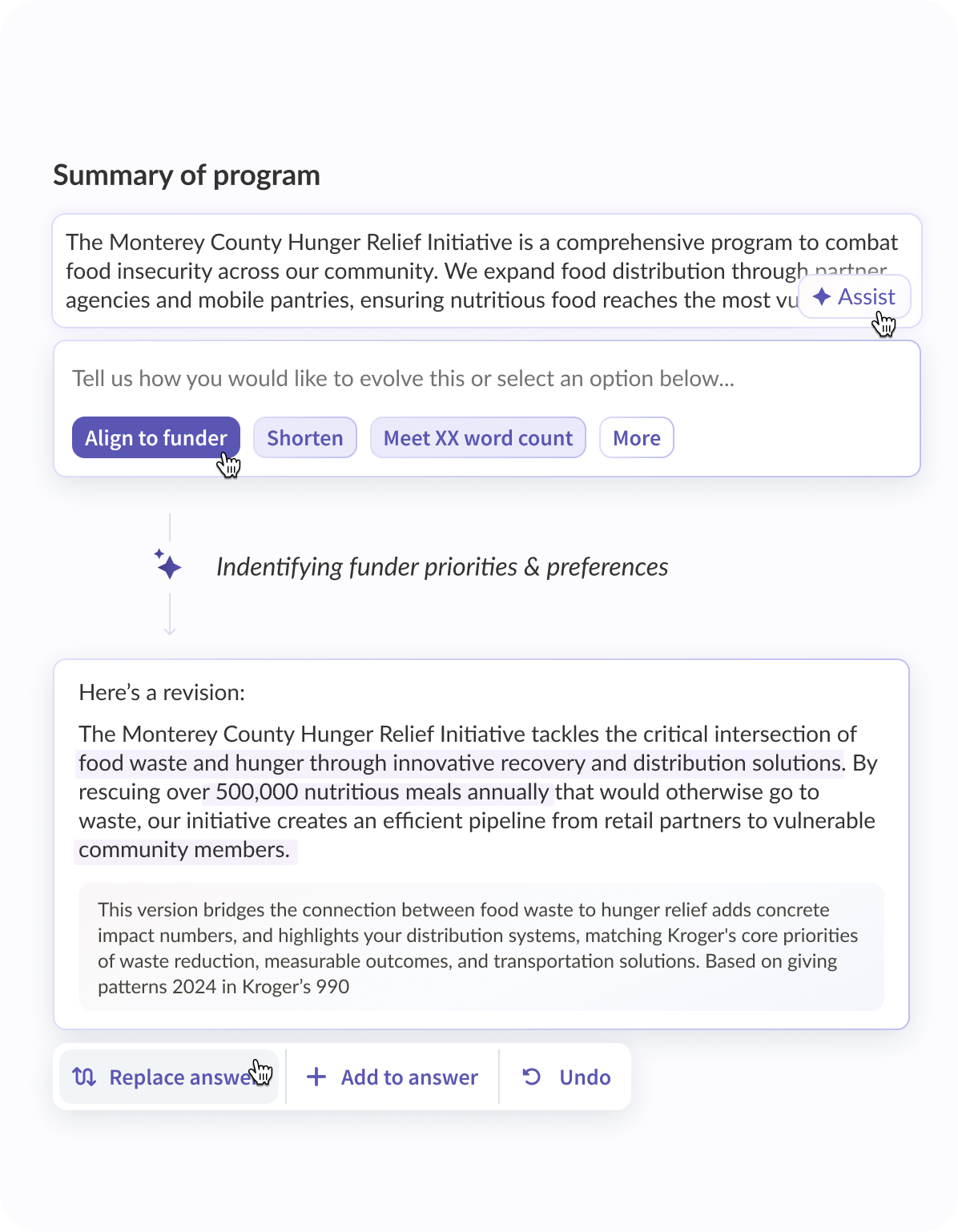
Key Features: Instrumentl Apply stands out because it isn’t just an AI writing assistant; it’s embedded directly into the full grant management system many nonprofits already rely on. With Instrumentl’s Fall 2025 Release, Apply now supports an even deeper, more integrated workflow.
Here’s what that looks like:
- AI-Powered RFP Analysis: Upload an RFP, and Instrumentl identifies priorities, eligibility details, required attachments, and narrative expectations
- Smart Section Builder: Automatically breaks an RFP into a structured outline with every required narrative component clearly defined
- Guided Drafting Suggestions: Apply recommends stronger framing and content improvements based on funder language, historical giving data, and alignment with scoring priorities
- Cross-Grant Knowledge Library: Stores your organization’s past language and winning responses so teams can quickly repurpose high-quality content
- Word and Character-Count Consolidation: Automatically compiles all limits from the RFP and tracks them across sections in real time
- Attachment and requirement mapping: Apply generates an attachment checklist based on the RFP to ensure nothing gets missed
- Drafting Directly Inside Your Workspace: No more moving between separate AI tools, Word docs, or Google Drives - everything stays tied to the specific opportunity
- Integrated Tasks, Deadlines, and Version History: Apply updates the opportunity record as you draft, track progress, and collaborate with teammates
In short: Apply brings AI drafting into the same space where prospecting, task management, and reporting already live—something no other tool offers.
Where it shines:
- Eliminates the need for multiple tools
- Keeps drafting, research, and management in one workflow
- Designed specifically for grant seekers
- Most advanced AI features tied directly to real funder data
Where it falls short: The price point may be out of reach for nonprofits with small grant teams or limited budgets.
Grantable
Best for: Fast drafting from uploaded RFPs
Free plan: Free trial
Price: Custom pricing; contact for details
Key features: Grantable focuses almost exclusively on automated narrative generation. Its strength lies in speed: upload an RFP, and Grantable produces structured responses based on your prompts. Other key features include:
- Save and reuse past responses and organizational boilerplate content
- Templates for common narrative components
- Simple, clean drafting interface
Where it helps
- Quickly generating first drafts
- Getting unstuck on heavy narrative sections
- Teams with limited time and/or capacity
Where it falls short:
- No funder research
- No task management or deadline tracking
- No integrated workspace for attachments or team collaboration
Grant Assistant
Best for: Writing proposals modeled on winning examples
Free plan: Yes!
Price: Book a demo to learn more about pricing
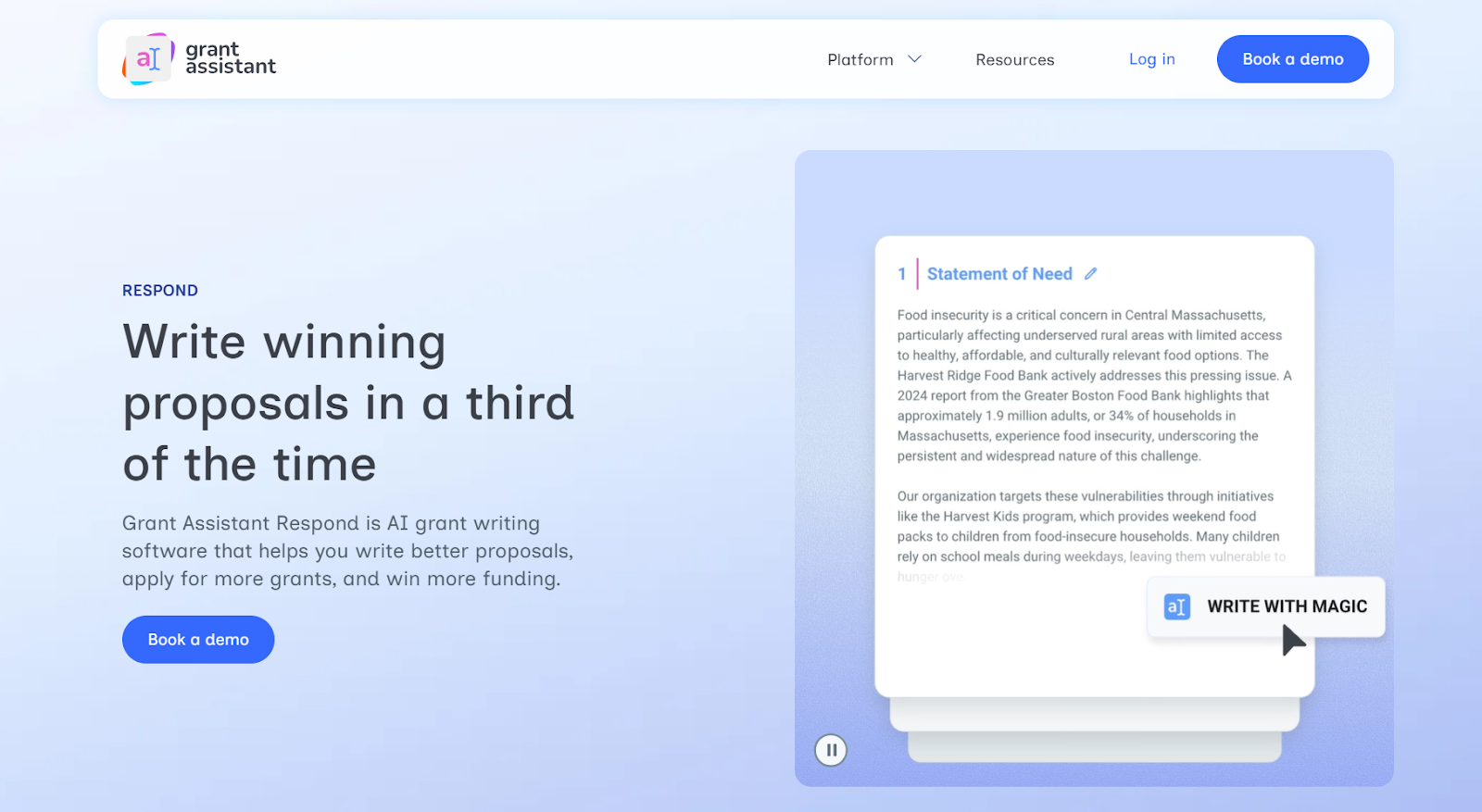
Key features: Grant Assistant uses a library of “winning grant samples” to help users structure their proposals. It’s popular among small nonprofits seeking language inspiration. It can also:
- Draft and provide guided prompts for narrative clarity
- Share built-in coaching tips to strengthen tone and structure
- Store your past drafts for reuse
Where it helps:
- Teams wanting to mirror proven universal language
- Writers who need structured narrative guidance
Where it falls short:
- No research or funder intelligence
- Limited project management tools
- Not built for collaborative workflows
Grantboost

Best for: Small teams needing fast proposal generation
Free plan: Yes
Pricing: Grantboost offers several tiers, including a free tier, Grantboost Pro ($19.99/month), and Grantboost Teams ($29.99/month)
Key Features: Grantboost emphasizes speed and simplicity, making it a fit for emerging organizations or solo writers needing quick grant copy. Other helpful features include:
- One-click proposal generation
- Rewrite tone and editing features
- Save and store past drafts
- Basic collaboration tools
Where it helps:
- Shorter narrative grants
- Small nonprofits writing fewer proposals
Where it falls short:
- Not ideal for complex government RFPs
- No integrated funder research
- Limited workflow management
GrantOrb
Best for: Eligibility checks and guided proposal building
Free Plan: No
Price: Pricing information unavailable
Key features: GrantOrb guides users through a “grant wizard” experience, which can be helpful for emerging nonprofits or newer writers who want a structured approach. This platform also offers:
- A step-by-step guided proposal builder
- Eligibility screening questions
- Basic AI drafting features
- Template-based responses
Where it helps:
- Understanding eligibility requirements
- Organizing responses to RFPs
- Newer grant writers/organizations new to grant writing
Where it falls short:
- Limited AI writing capacity
- No research capabilities
- No end-to-end management tools
GrantWrite AI
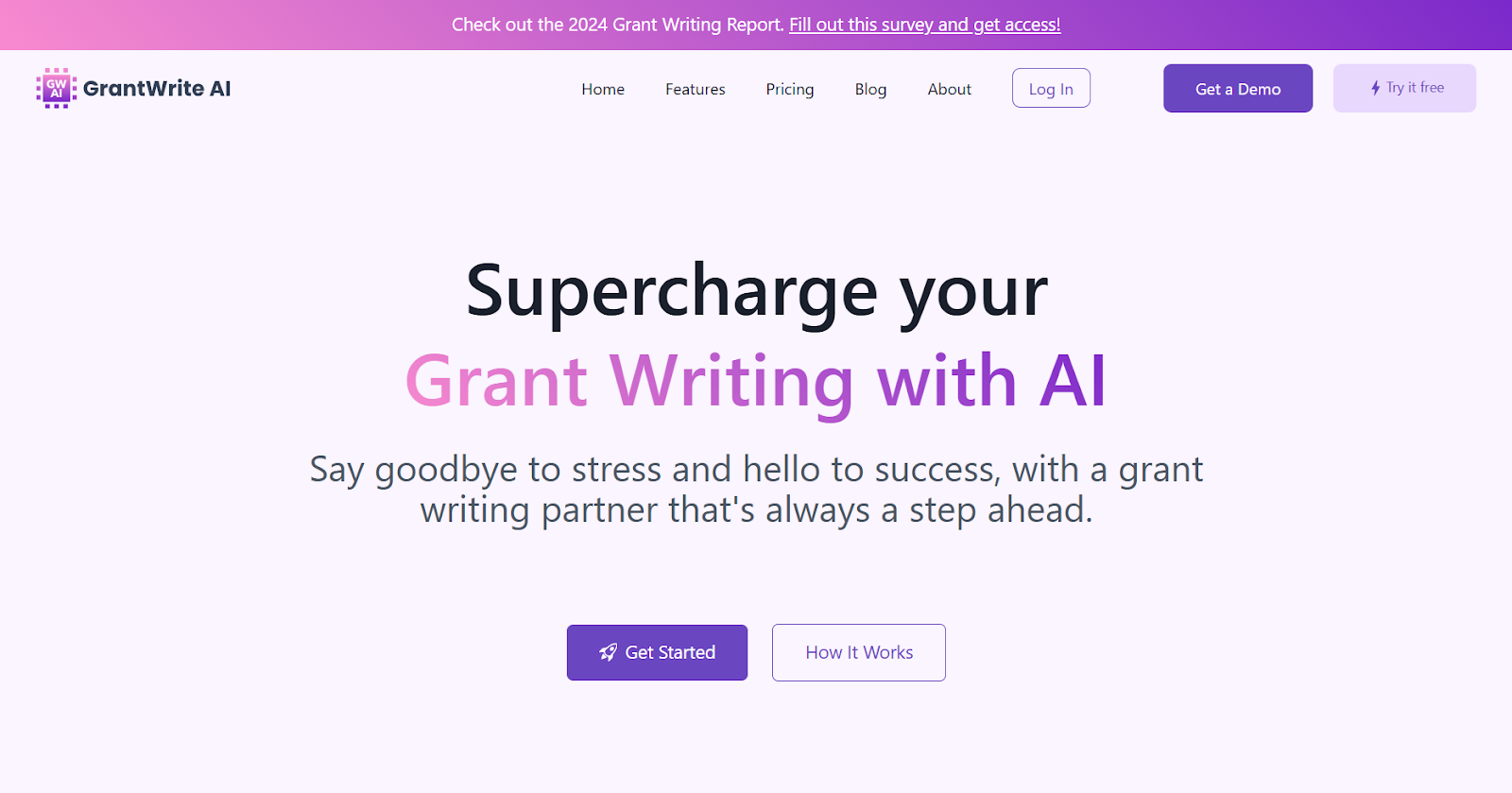
Best for: Streamlining sections of the grant proposal process
Free Plan: Yes!
Price: GrantWrite AI offers a basic plan ($10/month), a pro plan ($20/month), and an agency plan ($40/month)
Key features: GrantWrite AI is designed for smaller organizations who need help structuring and drafting proposal sections. It offers tools such as:
- Section-by-section drafting
- Coaching prompts for clarity
- Simple revision tools
- Basic workspace organization
Where it helps:
- Breaking down large proposals into parts
- Good for teams with limited writing experience
Where it falls short:
- Not a full grant management system
- No prospecting features or funder intelligence
- Limited collaboration tools
GrantWatch’s AI Grant Writing Tool

Best for: Basic AI drafting connected to GrantWatch listings
Free Plan: No
Price: $249 annually (a subscription to GrantWatch is required)
Key features: GrantWatch’s AI tool is built on top of its listing directory and offers simple proposal drafting functionality, as well as:
- Direct links to opportunities you find on GrantWatch
- Basic text generation
- A beginner-friendly interface
Where it helps:
- Teams already using GrantWatch
- Quick wording inspiration
- Very basic drafting
Where it falls short:
- Not a true AI drafting tool
- No grant management features
- No research beyond GrantWatch’s existing listings
OpenGrants
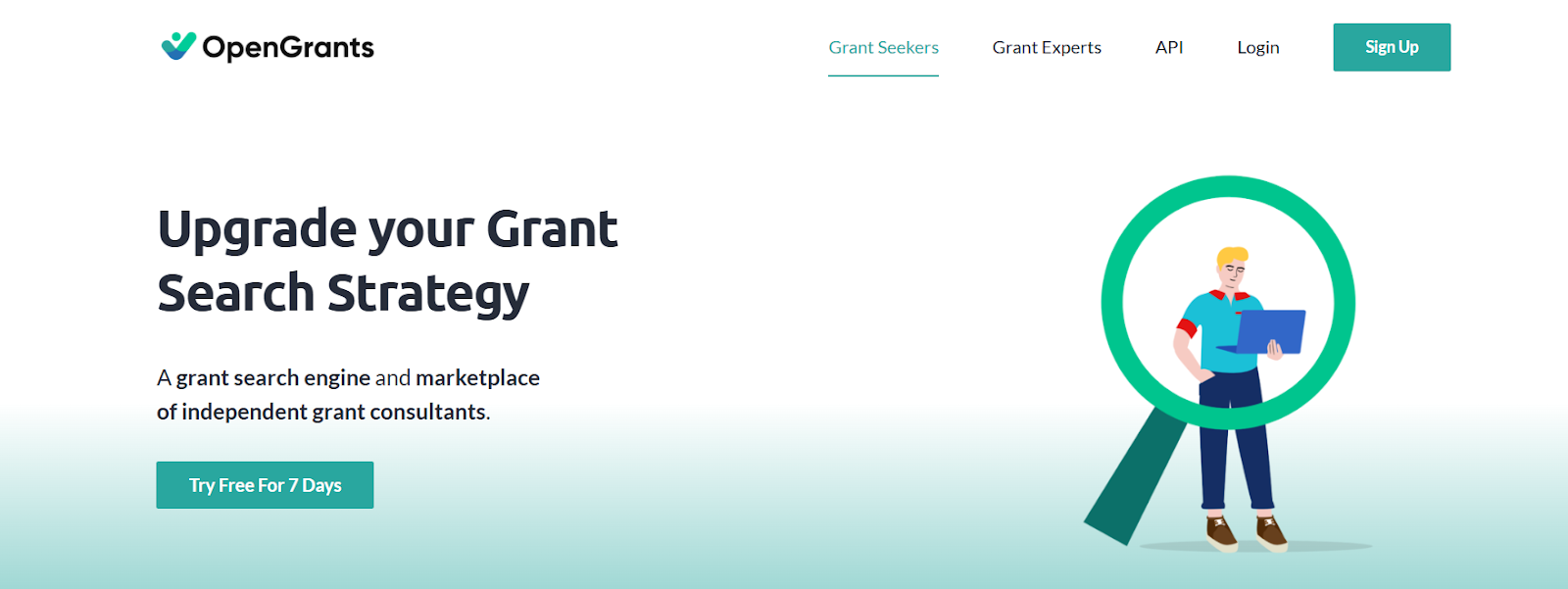
Best for: AI-assisted grant search and lifecycle tracking
Free Plan: 14-day free trial
Price: Plans starting at $19/month
Key features: OpenGrants offers grant discovery, light proposal tracking, and access to a consultant marketplace. AI-powered features include:
- Basic grant lifecycle tracking
- Eligibility and fit analysis
- Opportunity discovery
Where it helps:
- Finding opportunities quickly
- Teams wanting access to external grant writers through consultant marketplace
Where it falls short:
- Very minimal narrative drafting
- Tracking tools are simple compared to dedicated systems
ChatGPT
Best for: Drafting, brainstorming, rewriting, and editing
Free Plan: Yes
Price: Pro plan starts at $20/month
Key features: ChatGPT is a powerful AI tool with countless uses - including grant writing. Key features:
- Drafting content from prompts
- Rewriting, compressing, expanding, or clarifying text
- RFP interpretation support
- Style and tone guidance
Where it helps:
- Early-stage drafting
- Meeting word/character limits
- Editing and tightening language
Where it falls short:
- Not a grant-specific tool
- No integrated grant research or post-award management tracking
- Heavy editing and prompting required
Grammarly
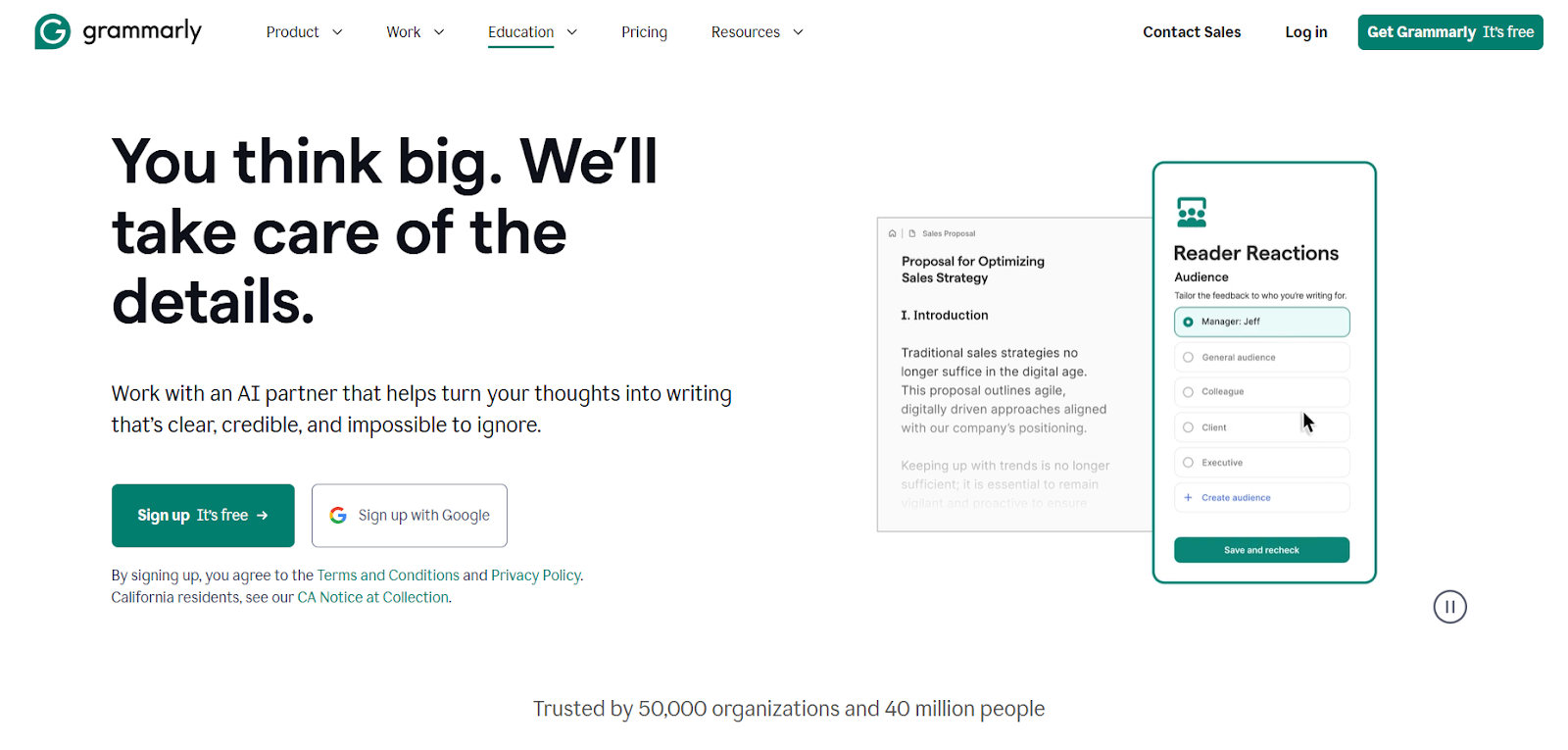
Best for: Improving grammar, tone, and clarity of proposals
Free plan: Yes
Price: ~$12/month
Key features: Grammarly is a writing quality tool, not a grant writing tool, but many grant professionals use it to refine and edit language by using these features:
- Clarity, grammar, and tone adjustments
- Readability analysis
- Plagiarism detection
Where it helps:
- Final-stage editing and polishing
- Ensuring narrative clarity and readability
Where it falls short:
- Cannot draft content
- No grant research function
- No management or grant-specific support or workflows
Wordtune
Best for: Rewriting or paraphrasing narrative sections
Free plan: Yes
Price: ~$10/month
Key features: Wordtune offers alternate phrasing options and helps grant writers improve clarity and tone. It can also:
- Rewrite, shorten, or expand text
- Provide multiple alternate versions of content
- Support structured rewriting
Where it helps:
- Tightening wordy sections
- Paraphrasing for character-limit compliance
Where it falls short:
- Not built for grants
- No funder insights, project management, or grant opportunity search features
Notion AI
Best for: Team brainstorming and internal outlines
Free plan: Yes
Price: ~$10/month
Key features: Notion AI enhances Notion’s project management and workspace tools, helping teams organize content. This platform can also assist with:
- Brainstorming and outline generation
- Knowledge base creation
- Team collaboration
Where it helps:
- Early planning stages
- Content organization
- Internal collaboration
Where it falls short:
- Not specifically designed for grant proposals
- No funder research or grant tracking tools
A Quick Note on General AI Tools and Their Limitations
Some of the platforms listed above—including ChatGPT, Grammarly, Wordtune, and Notion AI—can absolutely support parts of the grant writing process. They can help with brainstorming, rewriting, polishing language, or structuring early ideas.
However, because these tools are not designed specifically for grants, they lack many of the core capabilities that nonprofits rely on to manage the full grant lifecycle. Most general-purpose AI tools:
- Can draft text but cannot connect that draft to real funder requirements, scoring criteria, or 990 insights
- Do not store past proposals in a structured way that supports reuse
- Cannot track deadlines, progress, tasks, or attachments
- Offer no integrated funder research or due diligence
- Require switching between multiple systems to manage research, writing, and collaboration
These gaps are why many organizations eventually outgrow “AI-only” writing tools and look for a more integrated solution.
Implementing AI Grant Writing Tools: Which AI Tool Is Right for You?
Picking the right AI grant writing tool starts with understanding what problem you’re actually trying to solve. Every organization has different bottlenecks, so the ideal tool is the one that addresses your team’s biggest time drains, not necessarily the one with the most features.
Start by identifying your top challenges.
Ask your team:
- Where do we lose the most time?
- Is drafting, research, tracking, or collaboration?
- Do we need help producing more proposals or improving the quality of what we already submit?
Then, match your needs to the tool type.
Here are a few examples:
- If blank-page drafting slows you down, choose a tool with strong AI writing support that can help you generate structured first drafts or rewrite dense language.
- If you’re submitting more proposals than your team can keep up with, look for platforms that help you repurpose past content, store organizational boilerplate, and consolidate proposal history in one place.
- If prospecting takes too much time, prioritize tools offering AI-powered funder discovery, match recommendations, and insights that help you quickly identify good-fit opportunities.
- If coordination is your biggest pain point, explore tools with deadline tracking, section assignments, version control, and team collaboration features.
Consider your team’s capacity and comfort level.
Tools differ dramatically in ease of use. Before committing, think about:
- Who will be using the tool day-to-day
- Whether they’re comfortable with prompting
- How much training they’ll need to get up to speed
Choosing a tool that fits your team’s working style will make adoption smoother.
Pilot before you commit.
The best way to know if a tool is right for you is to test it with a real RFP. During your trial, look at:
- How well the tool handles your workflow
- Whether drafts feel usable
- If it actually saves time—or adds steps
- How easy it is for team members to collaborate
If the tool doesn’t lighten your load, it’s not the right tool.
Best Practices for Using AI Grant Writing Tools
Once you’ve chosen an AI tool, the next step is making sure you use it effectively. AI can speed up drafting and improve clarity, but it still needs thoughtful human oversight to produce strong, fundable proposals.
Here are some tips and best practices to set you up for success.
Understand the tool’s strengths and limitations. AI excels at drafting, rewriting, and summarizing, but not at understanding your programs, community context, or relationships with funders.
Review all AI-generated content. AI can speed up the proposal drafting process, but every sentence still needs thoughtful review by a human before a proposal is submitted.
Make sure to:
- Verify program details and numbers
- Ensure alignment with funder priorities
- Adjust tone to match your organization’s voice
As grant writer Katelynn Martin shared in Instrumentl’s expert roundup on AI,
“I always have to tweak it so it doesn’t sound totally robotic, but it’s taken the burden off what used to be the bane of my existence - the dreaded character limit.”
Watch for bias or deficit framing. Some language may unintentionally misrepresent the communities you serve. Rework phrasing as needed.
Use AI to accelerate—not replace—your expertise. Let AI handle early drafts and structure while your team adds strategy, nuance, and impact.
As nonprofit CEO Matt Hugg notes,
“There’s a saying that a writer’s biggest fear is a blank page. AI can be a big help in giving you a starting point. But by no means is it an ending point.”
Final Thoughts: AI Won’t Replace Strategy
AI grant writing tools can transform the proposal development process, helping teams draft faster, stay organized, and produce clearer, more compelling narratives.
But AI isn’t a replacement for strong storytelling, strategy, or funder relationships. It’s a supplement—a tool that boosts productivity and frees your team to focus on the parts of grant funding that matter most.
As the grant landscape continues to evolve, AI tools will play an increasingly important role in helping nonprofits stay competitive, work efficiently, and unlock more funding opportunities.
Instrumentl Apply stands out as the best AI for grant writing because it combines powerful AI drafting with the complete grant workflow: research, opportunity matching, proposal structuring, team collaboration, deadline tracking, and reporting all in one platform. You can try it out free for 14 days to see if it’s the right fit for your organization’s needs.

